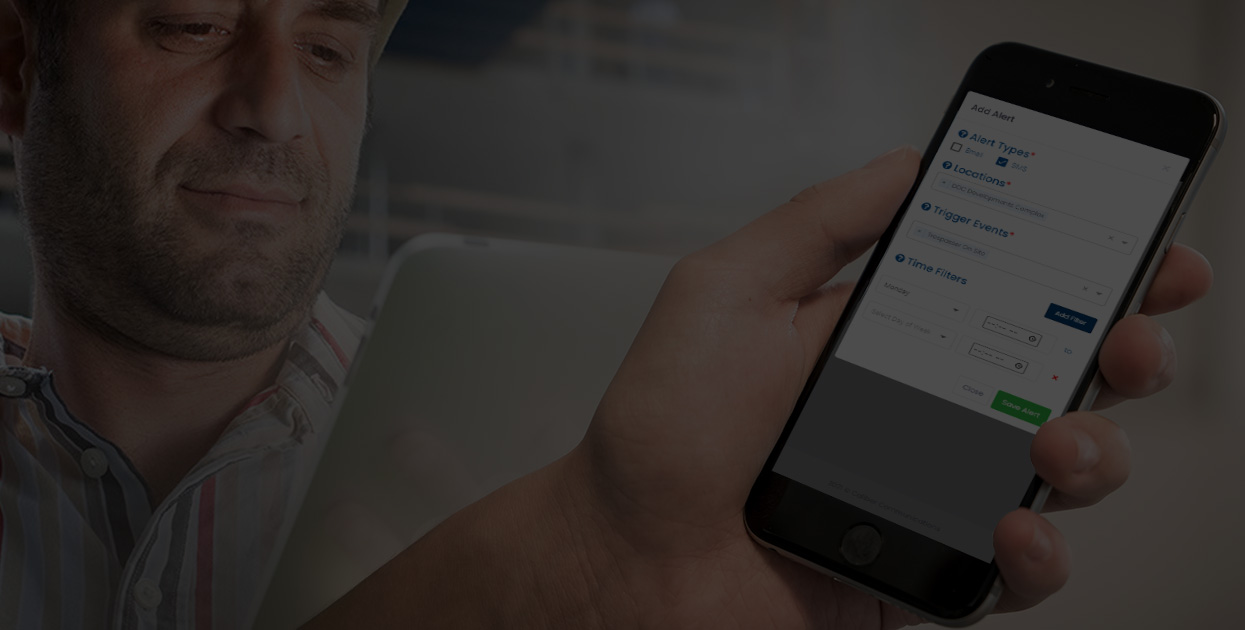
When managing a robust construction project or a bustling automotive dealership it can be difficult to keep an eye on your security while always being on the move. syncroAlerts puts all of your security information reporting platform right in your pocket, and right at your fingertips.
How does it work?
When a trespasser is identified on our industry leading security devices, our highly skilled video monitoring operators will work diligently to deter them using our various powerful security peripherals.

If the trespasser cannot be deterred prior to committing a criminal act, our operators will contact police, providing them with critical information until the suspect is apprehended. While this happens, our syncroAlerts feature will be sending you detailed updates on the events as they unfold, if you have requested for it to do so.
These alerts are sent to you and your team of preselected individuals’ devices via SMS or email, for presubscribed events, and during preset times. If one individual is responsible for a specific aspect of your business, they can be alerted on events that pertain to only them, and if they only want to receive these during specific days of the week… the syncroAlerts system has the power to program all of these intricate variables!
A walkthrough of syncroAlerts
syncroAlerts is a simple, yet effective solution for staying informed on all of your site(s) security. This module allows you to build your ideal team for security briefs by giving you control over adding and removing contacts from the portal.
Once your team is selected, each member can choose how they will receive alerts whether it be SMS, email, or both. Our Overview tab is a customizable feature that provides each individual user with general security analytics and information, in turn providing an update of your site at a quick glance.
Generally, when you receive an alert to your mobile device, it will include a detailed log report of the incident, timestamped to the exact minute, as well as high-resolution images that can be utilized for further investigation or even court proceedings.
Our Time Filter feature allows your team members to filter when they receive alerts. Filtered times include which day, hour, down to the minute they want an alert.